
How to Create Slides for Public Speaking

Описание лекции
Now that we understand how to make powerful content for our presentations, we can discuss how to make the slides for our speech.
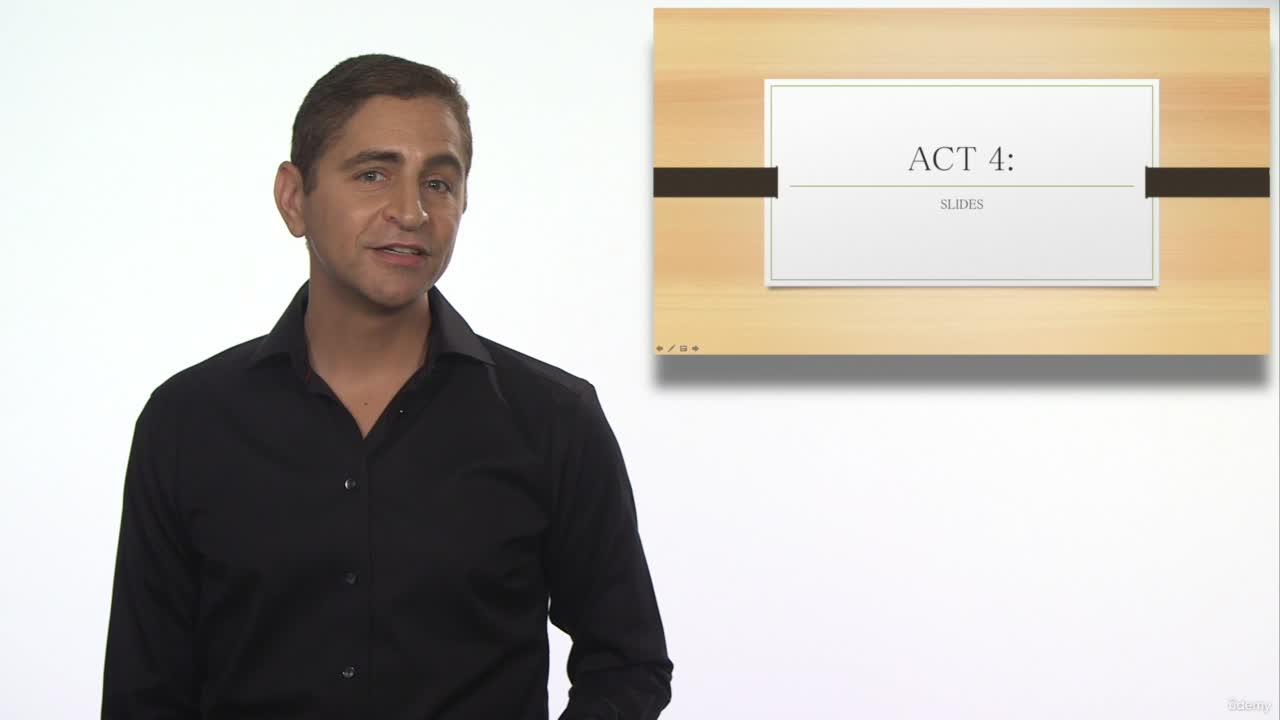
Welcome to Act 4 Which is all about making your slides.
In this Act, there are 4 Scenes:
- In Act 4, Scene 1 we will create the slides and discuss what presentation software to use.
- In Act 4, Scene 2 we will learn how to add and manipulate images.
- In Act 4, Scene 3 we will learn how to add videos and other content.
- In Act 4, Scene 4, we will discuss case studies on how I made the slides for 10 different speaking occasions using many of the concepts and software products that we discuss in this Act.
In terms of the What, Why and How of Act 4:
What we will do is we will design and create incredible slides, images, animations and additional presentation material for our presentations.
I am going to expose you to many different types of software applications in order to help you make your amazing slides.
Why are we covering many types of applications aside from PowerPoint, Keynote and Google Slides? Because I want to give you a menu of options so that you can choose what software package is best for you to use. You might even want to use more than just one software application that I discuss to make your slides.
How are we going to do all of this? In each lesson in this Act, I will discuss important slide creation concepts and then I will discuss HOW I made the slides for THAT PARTICULAR LECTURE immediately after each lecture in an optional HOW to lesson. You can even download these slides and play around with them or use some parts of them to make your own presentations if you want as I want to help you work smarter and not harder. : )
The different presentation software applications we will discuss in the OPTIONAL HOW TO LESSONS include the most recent versions of
- PowerPoint,
- Keynote,
- Google Slides,
- Powtoons,
- Canva.com,
- Final Cut Pro X,
- Haiku Deck,
- Piktochart.com,
- Pixelmaker,
- Paint,
- Procreate and
- Prezi.
I know this is a lot, but don’t worry as I will make it easy to understand and easy to use all of these programs.
I also realize that some of you use Mac, some use windows, some use Chrome Books, some use iPads and other tablets. As a result, I will cover presentation software products that work on all of the aforementioned devices.
We will cover delivery in Act 6. For now, lets enjoy the edutaining process of making slides. Thanks
Узнайте больше из полной версии курса
The Complete Presentation and Public Speaking/Speech Course
From page to stage; learn everything you need to know about giving a great speech for business & personal presentations.
15:53:27 видео по запросу • Обновлено Октябрь 2026